

Five GPS trackers just showed up on your desk, and Monday morning you have to explain to your crew why there is a small box wired into the truck they have driven for three years. Say it wrong and half your team assumes you do not trust them. Say it right and nobody thinks about it again after week two.
An employee GPS tracking policy is the difference between those two outcomes. It is not a formality for your files. It is the written proof, and the spoken script, that turns "why is my boss watching me" into "this protects both of us."
This guide covers what the law actually requires, exactly what to put in a written policy, a free template you can copy today, and the conversation that keeps your team on your side once the trackers go in.
An employee GPS tracking policy is a short written document that tells your team what is being tracked, why, who can see the data, and what it will never be used for. Tracking a company owned car or truck during work hours is legal in all 50 states. A growing number of states, including California, Connecticut, Delaware, and New York, now require written notice before you turn it on, and getting written consent is smart everywhere else even when it is not required by law.
Why a Policy Matters More Than the Trackers Themselves
Most small fleets get the technology part right and the communication part wrong. Vehicle GPS tracking has become common among small service and delivery operators, but the vast majority of them never put anything in writing for their team to read and sign, according to a 2026 compliance review from GPS hardware maker Spytec.
That gap is where the trouble starts. A separate industry survey found that most employees who pushed back on fleet tracking said the real problem was not knowing what was actually being monitored, not the tracking itself.
Put those two findings together and the pattern is obvious: the technology rarely causes the resentment. The silence around it does. A one page policy and a five minute conversation close that gap before it opens.
Is Employee GPS Tracking Legal?
Yes, with a condition worth remembering: you are tracking the vehicle you own, not the person driving it. If the company owns or leases the vehicle, GPS tracking during work hours is legal in every state. Courts have consistently sided with employers who track their own property for a legitimate business reason.
Where states differ is on notice. A number of states, including California, Connecticut, Delaware, and New York, require employers to give written notice before turning on GPS tracking, and some tie this into broader electronic monitoring disclosure laws. Other states have no GPS specific statute at all, but their general anti stalking or wiretapping laws can still apply if tracking is used to follow someone off the clock or onto a personal vehicle.
Two lines that keep you on solid legal ground
Track the truck, not the person: Keep tracking limited to company owned vehicles during business use, and the legal picture stays simple almost everywhere.
Always put it in writing, even where it is not required: A signed notice is the single strongest thing you can hand a lawyer, or a skeptical employee, if the rollout is ever questioned. This article is general information, not legal advice. Check your state's current statute or talk to an employment attorney before you roll out tracking company wide.
| State (examples) | Written notice required? | What triggers extra rules |
|---|---|---|
| California | Yes | State law bars tracking a person's location without consent; company vehicles are commonly tracked with acknowledgment |
| Connecticut | Yes | Electronic monitoring notice law covers GPS tracking specifically |
| Delaware | Yes | Monitoring and GPS notice requirements for employers |
| New York | Yes | Electronic monitoring disclosure law |
| Texas, Colorado, and most other states | Not legally required | No dedicated GPS statute, but written notice is still best practice and protects you in a dispute |
Laws change, and this table is a starting point, not a legal opinion for your specific state. For a full state by state breakdown, see our detailed guide to GPS tracking laws for employee vehicles.
What to Put in a Written GPS Tracking Policy
A good policy is one page. It does not need a lawyer to draft, though it is worth having one review it before you roll it out company wide. Here is what belongs in it.
- The business purpose, stated plainly: route verification, proof of service, theft recovery, or safety.
- What is tracked: location, trip history, and speed, on company owned vehicles only.
- Who can see the data, by name or role, and who cannot.
- When tracking is active: during work hours, or continuously for theft protection on take home vehicles.
- What it will never be used for: personal vehicles, off duty locations, or anything beyond business use.
- A rule against tampering with or disabling the tracker.
- A signature line, so every driver acknowledges they read it. Keep the signed copy in the employee's file.
Free Employee GPS Tracking Policy Template
Copy the text below onto your own letterhead, fill in the brackets, and hand it out at your rollout meeting.
GPS Tracking Notice for Company Vehicles
Effective [date], [Company Name] will use GPS tracking devices on company owned vehicles to support route verification, customer service documentation, theft prevention, and fleet safety.
The tracking system records vehicle location, trip history, and speed. This information is used for business operations only: verifying service appointments, optimizing routes, recovering a stolen vehicle, and documenting vehicle use for insurance purposes.
GPS data is accessible only to [owner/manager name] and will not be shared with any outside party except law enforcement in the event of a theft report.
Employees are expected to operate company vehicles according to existing company policy. Tampering with or disabling a GPS tracking device is prohibited.
This policy applies to company owned vehicles only. Personal vehicles are never tracked.
I acknowledge that I have read and understand this GPS tracking policy.
Employee signature: ____________________ Date: ____________
That is the whole document. Clear language, one page, no legal jargon, and it does the two things that matter most: it protects the business and it shows your team you have nothing to hide.
How to Tell Employees About GPS Tracking Without Losing Their Trust
The policy is the paperwork. This is the part that actually determines how your crew reacts, and it takes about five minutes.
Open with the business reason, not the technology
Do not start with "we are putting GPS trackers on the trucks." Start with the moment that made you buy them: a customer disputed a service call, a truck went missing overnight, an invoice got questioned. Your crew has lived through those disputes too, and they know how frustrating it is to have no way to prove what actually happened.
Introduce the tracker as the fix, not the punishment
"So starting [date], the trucks will have GPS trackers. They log where the vehicle goes and how long it sits at each stop. Next time a customer disputes a job, we pull the report and we get paid for the work we did."
Name the elephant in the room
Say it out loud before someone else does: "I know this might feel like I don't trust you. That's not it. I trust the people in this room. What I can't do is prove to a customer that you were on site for 90 minutes without data behind me." Naming the concern directly does more to defuse it than avoiding it ever will.
Set a boundary and mean it
"This tracks the truck, not you. I am not watching where you park it at night, and I am not checking in on your lunch break. If something looks unusual, I will ask you about it directly before I assume anything."
Close with what is in it for them
"If the truck or the trailer ever gets stolen, we find it in hours instead of filing an insurance claim and waiting three months. That protects the tools you use every day, not just the company's."
Handling Pushback From Your Team
"So you're spying on us now?"
Answer it directly: the tracker follows the truck, not conversations, phone calls, or anything happening inside the cab. It exists to protect the business and the people who work in it, not to police lunch breaks.
"Will you track me after hours?"
Be honest. If an employee takes the truck home, the tracker does collect location data around the clock, mainly so a stolen truck can be recovered. Say plainly that off duty locations are not something you review unless there is a theft, safety concern, or misuse report.
"What happens if I speed?"
Decide your answer before the meeting and be upfront about it. If speed data is used for coaching, say so. If it is only flagged for serious safety concerns, say that instead. Ambiguity is what breeds anxiety, not the data itself.
The Rollout Timeline That Causes the Least Friction
Day one
Hold the team meeting. Deliver the script. Answer questions. Hand out the written policy for signatures.
Day two or three
Plug in the trackers. A magnetic or OBD tracker takes under two minutes per vehicle, no mechanic needed.
Week two
Check in casually. Mention a real example where the tracker already helped, like confirming a delivery time.
Month two
Nobody thinks about it anymore. It is part of the routine, like the logo on the truck door.
Choosing the Right Tracker for Your Policy
The policy matters more than the hardware, but the hardware still needs to fit how your vehicles are used. Small operators running two to five trucks or vans generally choose between a permanent, vehicle powered tracker and a portable one that can move between assets.
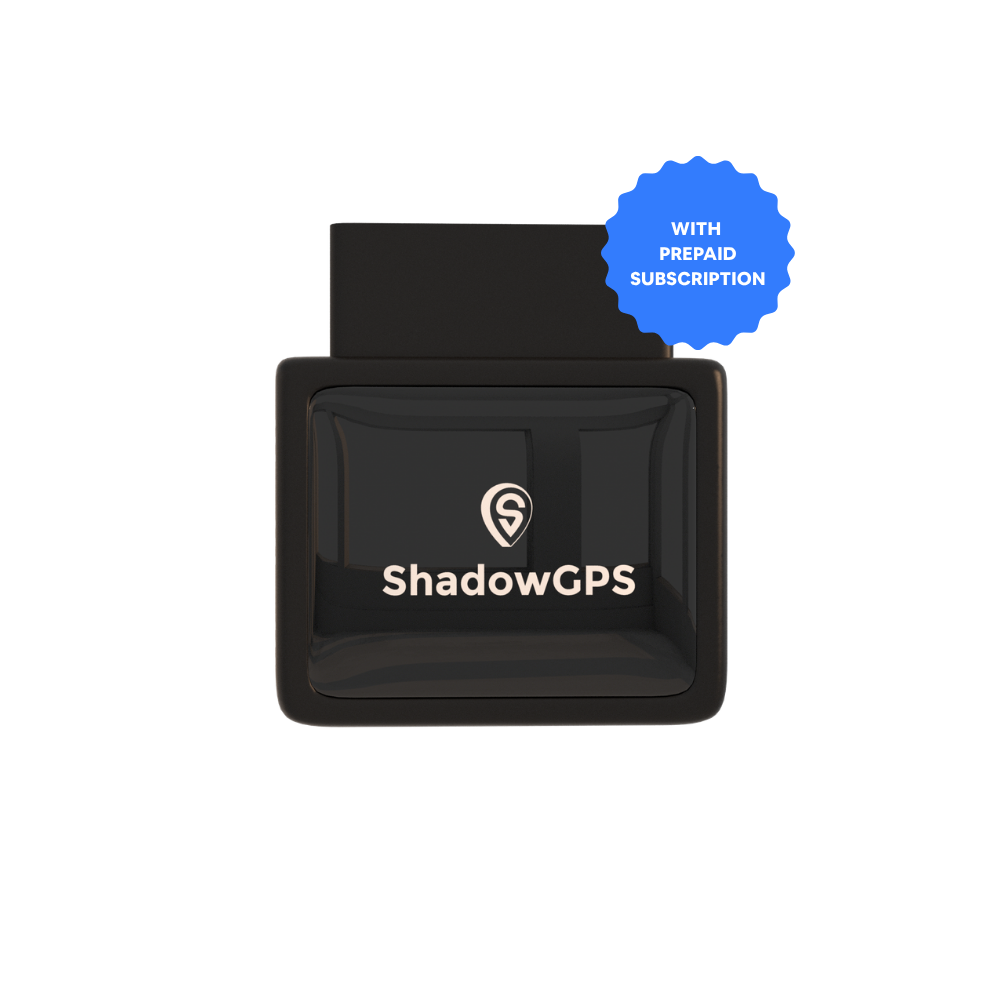
ShadowAuto
- Plugs into the OBD-II port in under 2 minutes, no tools
- Runs off the truck, so there is no battery to charge
- Trip history and replay for verifying service calls


For trailers, equipment, or a vehicle with no OBD-II port, a battery powered option works better than a hardwired one.
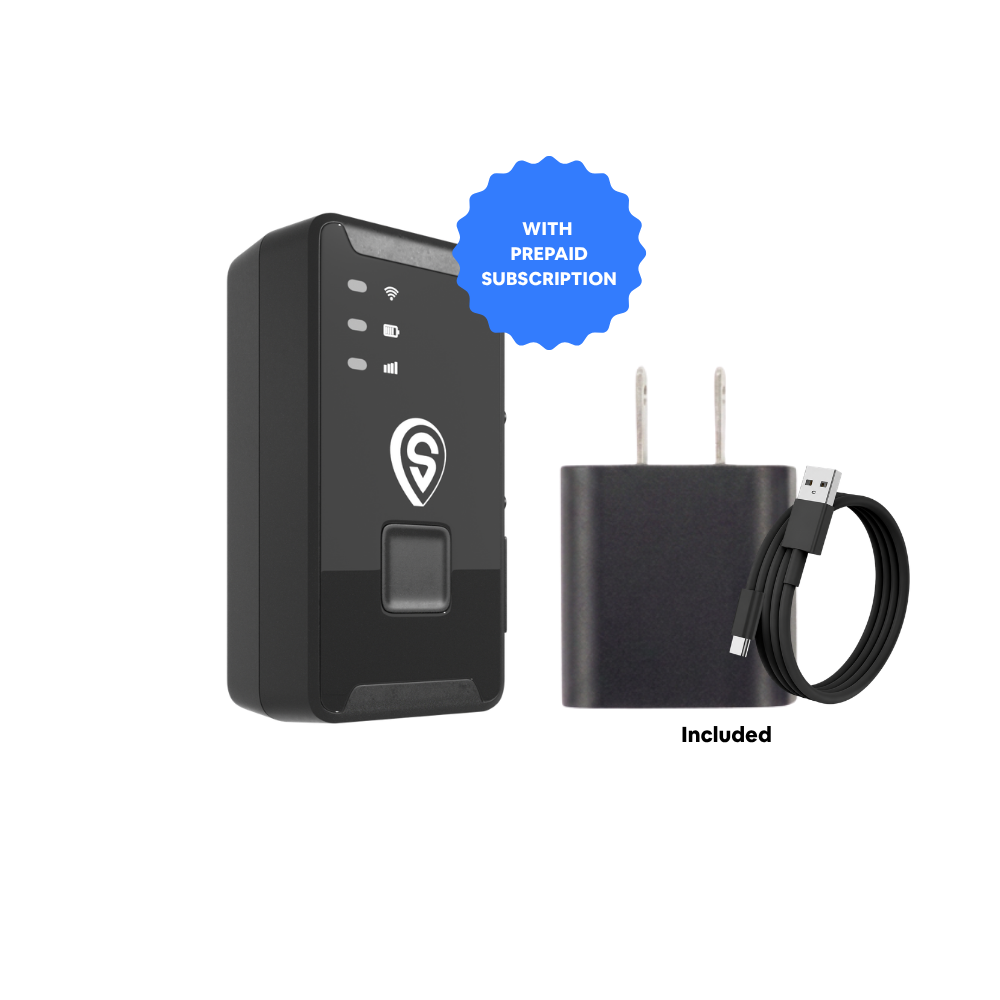
ShadowTrack
- Weatherproof magnetic case, no wiring needed
- Moves between trucks, trailers, or equipment as needed
- Same 5-second refresh while moving as ShadowAuto
| Need | Best fit | Why |
|---|---|---|
| Company car, van, or work truck | ShadowAuto | Plugs into the OBD-II port, runs off the vehicle, zero maintenance |
| Trailer, generator, or towed equipment | ShadowTrack | Battery powered, magnet-mount, no OBD-II port required |
| A small fleet mixing both | ShadowAuto + ShadowTrack | Same app, same 5-second refresh, one dashboard for every asset |
Employee GPS Tracking Policy Checklist
- State the business purpose in writing: route verification, theft recovery, or safety.
- Track company owned vehicles during business use only, never personal vehicles.
- Name exactly who can see the data and who cannot.
- Provide written notice before tracking begins, required in states like California, Connecticut, Delaware, and New York.
- Collect a signed acknowledgment and keep it in the employee's file.
- Explain the policy face to face before the trackers go in, not after.
Frequently Asked Questions
Do I need employee consent to track a company vehicle?
Not everywhere by law, but always in practice. Several states require written notice before you turn tracking on, and even where it is not required, a signed acknowledgment protects you if an employee ever disputes the policy.
Can I fire an employee for disabling a GPS tracker?
Generally yes, if your written policy explicitly prohibits tampering with or disabling the device on a company owned vehicle. This is exactly why the anti tampering clause belongs in your policy from day one.
Is it legal to track an employee's personal vehicle?
Almost never without clear, specific consent, and it is legally risky even then. Keep tracking limited to vehicles the company owns or leases, and this question stops being a concern.
Should the policy cover off-hours tracking of take-home vehicles?
Yes. State plainly whether the tracker stays active 24/7 for theft protection and whether you actively review off-duty location data. Most small operators track continuously for recovery purposes but only review the data during a theft, safety, or misuse report.
How long should I keep GPS tracking data?
Long enough to be useful for disputes and payroll verification, short enough to limit exposure. Many small businesses keep 90 days of trip history and note the retention period in the policy itself so employees know what to expect.
The Bottom Line
The businesses that handle GPS rollouts badly are the ones that add trackers quietly and hope nobody notices. That is never a technology problem. It is a communication problem, and it is the easiest one on this list to fix.
Write the policy. Say it out loud in a five minute meeting. Get the signature. Everything after that is just a truck that reports back where it went, which is exactly what it was always supposed to do.
Plug it in. See it move. Cancel any time.
ShadowAuto and ShadowTrack update every 5 seconds while moving, with no contract holding you to it.
This article is for general informational purposes and is not legal advice. GPS tracking laws change and vary by state; confirm current requirements with a licensed employment attorney before implementing a company-wide policy. Related reading: Is GPS tracking legal for employee vehicles?, How GPS tracking protects your business from time theft and fraud, and Choosing fleet GPS tracking when you have 3-10 vehicles.

