

Installing a GPS tracker sounds like a job for a mechanic, exposed wires, and a torn-apart dashboard. For most drivers today, it is not. Modern GPS vehicle tracker installation takes less time than charging your phone: you plug a device into one port, open an app, and watch your car appear on a live map.
If you can open a car door and tap through a setup screen, you already have every skill you need. This guide walks you through how to install a GPS tracker in your car, step by step, for all three tracker types, so you can pick the fastest installation and be tracking in under two minutes.
How do you put a tracker on a car? Locate the OBD-II port under the driver-side dashboard, plug the GPS tracker in until it lights up, open the companion app, then activate the device with its ID or QR code. Take a short test drive to confirm your car shows up on the map. Total time: under two minutes, with no tools.
What GPS tracker installation actually means today
A generation ago, a car tracker meant a hardwired device spliced into the vehicle's electrical system. Today, plug-and-play GPS tracking devices dominate consumer adoption because they remove installation errors and get people tracking fast.
According to standards referenced by the Society of Automotive Engineers (SAE), simple plug-in accessories win with everyday owners precisely because they are hard to get wrong. The global GPS tracking device market backs this up: IMARC Group values it at roughly $3.2 billion in 2023, growing toward $8.2 billion by 2033, driven heavily by regular vehicle owners, not just fleets. Installing a GPS tracker today is a two-minute job, not a garage visit.
Before you start: what you need
Let's keep it realistic. For a plug-and-play tracker installation you need three things:
- A compatible GPS tracker (OBD, magnetic, or hardwired)
- A smartphone (Android or iOS) for the tracking app
- A few uninterrupted minutes and access to your car
That is it. No drilling, no wiring, and no engineering degree for the plug-in route. Hardwired trackers are the one exception, and we cover those below.
The 3 types of GPS trackers (and how each installs)
Choosing the right GPS tracker starts with knowing the three families. Each one installs differently.
1. Plug-and-play OBD trackers (fastest)
Plug-and-play trackers connect directly to the OBD-II port. That port is standard in most cars built after 1996, so almost any modern vehicle qualifies. You line the connector up, push, and the device draws power straight from the car. This is the easiest installation of any car tracker and the reason OBD language converts so well: it is genuinely as simple as plugging in a phone charger.
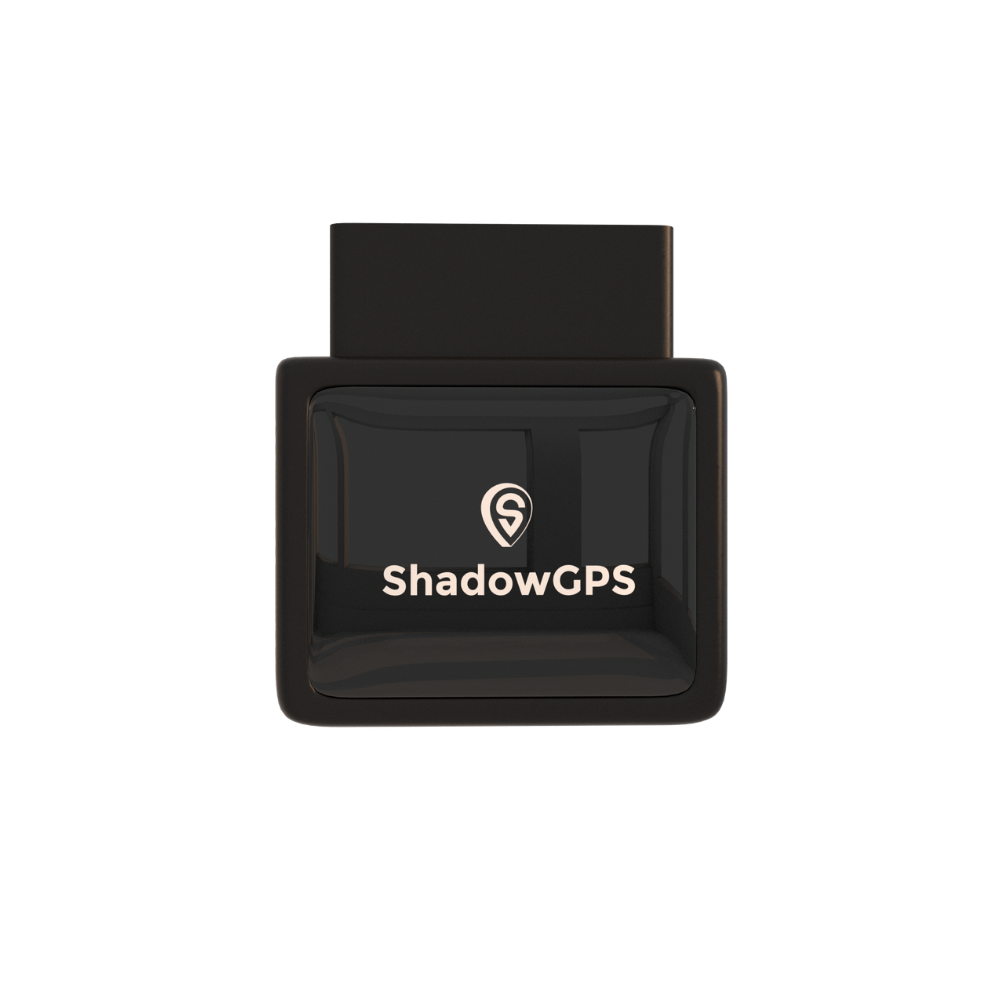
ShadowAuto
- Plugs in under a minute, never needs charging
- Updates every 5 seconds, Car Alarm & diagnostics
- Geofencing alerts & full trip history on every plan
 Buy Now on Amazon
2. Battery-powered & magnetic trackers (portable, hidden)
Battery-powered and magnetic trackers run without wiring, so you can place them anywhere: under a seat, in the glove box, or magnet-mounted out of sight. Portable GPS trackers add one extra decision, placement, which is why they take a minute or two longer to set up. Passive versions store tracking data for later, while active trackers send real time location updates. Some replaceable-battery models last up to three years between changes.
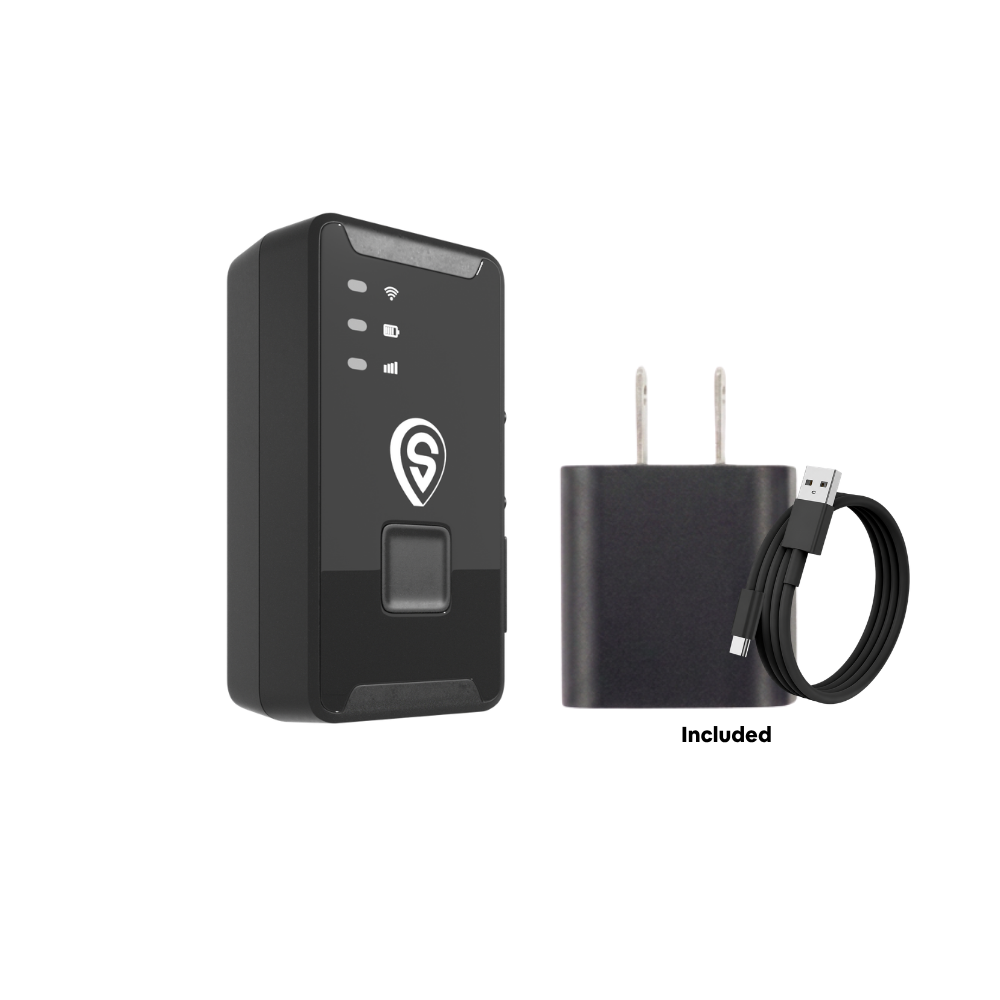
ShadowTrack
- Updates every 5 seconds while moving
- Hide it anywhere, weatherproof magnetic case
- Geofencing, tamper & theft alerts on every plan
3. Hardwired trackers (permanent)
Hardwired GPS trackers connect directly to the vehicle's electrical system for a permanent, tamper-resistant setup. Hardwired installation is the one type that needs real care: always disconnect the vehicle battery first, use an inline fuse to protect the electrical system from short circuits, and route wires away from safety-critical systems like airbags and steering components. A poor ground connection is the top cause of a device that reports intermittently. If wiring is not your thing, pick an OBD or magnetic tracker instead, or have a shop wire it in.
| Tracker type | Install time | Tools | Placement | Best for |
|---|---|---|---|---|
| OBD plug-and-play | Under 1 min | None | OBD-II port under dash | Daily drivers, teens, fast setup |
| Battery / magnetic | 1–2 min | None | Hidden, magnet-mounted | Trailers, non-OBD assets, discreet |
| Hardwired | 20–30 min | Basic wiring tools | Behind dash panels | Permanent, tamper-proof installs |
| ShadowGPS | Under 2 min | None (plug or magnet) | Your choice: OBD or hidden | The one vehicle that matters to you |
How to install a GPS tracker in under 2 minutes (OBD plug-in)
This is the fastest GPS tracker installation and the one most owners use. Four short steps.
Step 1: Locate the OBD-II port (30 seconds)
The OBD-II port is a small 16-pin trapezoid-shaped connector. In almost every US car built after 1996, it sits under the dashboard on the driver's side, within about two feet of the steering wheel, often just above the pedals. If you cannot spot it, your owner's manual lists the exact location.
Step 2: Plug in the tracker (5 seconds)
Line up the connector and push the device firmly into the OBD-II port. Do not force it. The connector only fits one way, so if it resists, flip it and try again. Most devices light up immediately, which confirms power and connection. At that point the hardware side of your GPS tracker installation is done.
Step 3: Download the app and activate (60 seconds)
Every GPS tracking device pairs with a companion app or web dashboard. Download the official app from the manufacturer, then create an account, enter the device ID or scan its QR code, and choose a plan. Avoid third-party apps, they will not connect and can put your tracking data at risk. Activation happens almost instantly, and your car appears on the map within moments.
Step 4: Take a short test drive and verify
Before you rely on it, confirm correct installation. Check that the LED indicators on the device show power and signal, then drive a few minutes and watch the real-time location updates refresh on the map. If the location is accurate and moving with you, you are done.
OBD plug-in pros
- No tools, under a minute to plug in
- Vehicle-powered, nothing to charge
- Moves to another car in seconds
Worth knowing
- The port is visible, so it can be unplugged
- For hidden tracking, choose a magnetic tracker
Installing a battery-powered or magnetic tracker
The installation mirrors the OBD route, with one addition, placement.
- Charge it. Most battery trackers ship partly charged. A full charge takes one to two hours before first use.
- Power on and activate through the app, exactly like an OBD model. Confirm location updates before you place the device.
- Choose a smart spot. Balance strong signal reception with discretion. Secure the device with double-sided tape or zip-ties so the device does not shift.
A magnetic tracker snaps to any metal surface in seconds. Portable GPS trackers like this move between vehicles just as fast. For an outdoor mount, a weatherproof case keeps it protected and hidden.
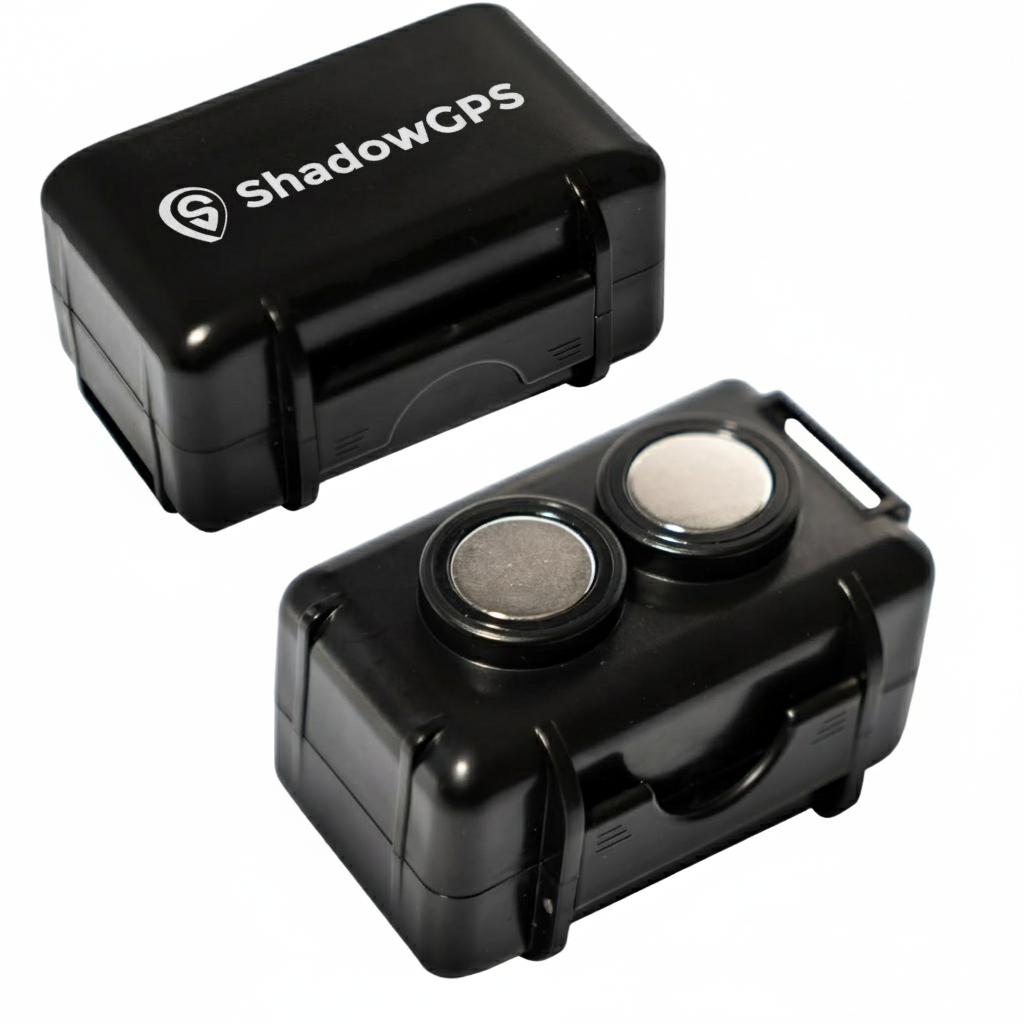
Magnetic Mount Weatherproof GPS Case & Key Holder
- Neodymium magnet mount for hidden placement
- Weatherproof housing for outdoor use
Where's the best place to put a tracker on a car?
Placement decides how well your vehicle tracking device holds a signal. GPS signals pass through plastic and glass but not metal, so avoid heavy metal enclosures and point the antenna upward so GPS signals reach it for the clearest satellite reception.
- Dashboard area: strong signal strength, easy for OBD trackers.
- Under the passenger seat: discreet, but may weaken the signal.
- Under the car or a wheel well: a discreet, hidden placement option for a magnetic tracker on a metal surface.
- Rear bumper: common hidden spot, keep the antenna facing up.
Does installing a tracker drain your car battery?
This question comes up constantly. An OBD tracker draws minimal power, well below the level that affects a healthy vehicle battery in normal daily driving. If a car sits parked for weeks, any connected device can contribute to drain, so a battery-powered tracker may suit long-term storage better.
Do you need a SIM card or a monthly fee?
Yes to both, and this is the part people most want spelled out. A live tracking device uses a built-in cellular SIM to send its location to your app, so it carries a small monthly fee for that data. ShadowGPS trackers ship with the SIM already inside and run $12 to $15 a month with no contract, ever. Month-to-month, or prepay and save. Nothing to insert, nothing to sign.
How far can a tracker track a car?
There is no distance limit. As long as the tracker has a cellular signal and clear GPS signals from an open sky, it reports your vehicle's location from anywhere in its coverage network, whether the car is across town or across the country.
How to tell if someone put a GPS tracker on your car
Worried about the reverse? Check the common hidden spots: inside wheel wells, under bumpers, beneath seats, in the glove box, and around the OBD-II port under the dash. Look for a small device, often magnetic, sometimes with a faint LED. Any device you do not recognize plugged into the OBD-II port is worth inspecting.
Is it legal to put a GPS tracker on a car?
- You can track a car you own. Placing a GPS tracker on a vehicle titled in your name is legal across the United States, including a family car you lend out.
- Tracking a car you do not own can be illegal. Questions like "can I put a tracker on my husband's car?" hinge on ownership and consent. Without both, privacy and stalking laws may apply.
- Be transparent. If several people share the car, tell them about the tracker. Laws vary by state, so only track vehicles you have the legal authority to track.
Common installation mistakes (and how to avoid them)
Even a simple installation fails when rushed:
- Wrong port. Some cars have ports that look similar. Confirm the shape and position of the OBD-II port first.
- Hiding it before testing. Confirm live updates first, then tuck the device away.
- Loose connections. A device that is not seated firmly, or a poor ground on a hardwired setup, causes intermittent reporting.
- Ignoring app permissions. Location, notifications, and background activity all matter. Disable them and the device goes quiet.
What happens after installation
Once installation is complete, your GPS tracking app unlocks the features that actually deliver peace of mind: real-time location, geofencing alerts when the car leaves a set area, trip history, speed and driver behavior monitoring, and theft alerts. With ShadowGPS, the map refreshes every five seconds while the vehicle moves, so you are never guessing where it is.
In short
GPS tracker installation takes under two minutes for a plug-and-play OBD tracker: find the OBD-II port under the driver-side dash, plug the tracker in until it lights up, activate it in the app, and take a short test drive. Magnetic tracker installation adds a quick placement step, and only hardwired installation needs tools.
Frequently Asked Questions
Is there a GPS tracker without a monthly fee?
Most real-time trackers need a small monthly fee for the cellular data that sends live location, so a truly no-fee live tracker is rare. ShadowGPS keeps it transparent: $12 to $15 a month with no contract, ever. Month-to-month, or prepay and save.
How much does it cost to have a tracker fitted to your car?
If you plug in an OBD or magnetic tracker yourself, fitting costs nothing beyond the device. A shop hardwiring a tracker typically charges a small labor fee. For most owners, self-install is free and takes under two minutes.
Can I add a GPS tracker to my car myself?
Yes. A plug-and-play OBD tracker installs with no tools: plug it into the OBD-II port, open the app, and activate. A magnetic tracker is just as easy, you charge it, activate it, and place it.
Can I move the tracker to another car?
Yes. OBD trackers unplug and re-plug in seconds, and magnetic trackers move even faster. Your subscription stays tied to the device, so just update the vehicle details in the app when you switch cars.
Does a GPS tracker need a SIM card?
Yes, a live tracker needs a cellular SIM to send location data. ShadowGPS trackers come with the SIM already installed, so there is nothing to buy or set up.
Where do you attach a GPS tracker on a car?
An OBD tracker plugs into the OBD-II port under the driver-side dash. A magnetic tracker attaches to any metal surface: under a seat, in a wheel well, or on the frame. Keep the antenna pointing up and avoid heavy metal that blocks GPS signals.
Plug it in. See it move. Cancel any time.
Know exactly where your car or truck is, with a live map that updates every five seconds. Under two minutes to set up, no contract, ever.
Pricing and specs current as of August 2026 and subject to change; confirm current pricing and battery specifications on the product page before purchase. Amazon links are affiliate links; ShadowGPS may earn a commission at no extra cost to you. Only track vehicles you have the legal authority to track; GPS tracking laws vary by state, and legal guidance here is general information, not legal advice.

