

Your truck was three miles from where it should have been on Saturday night. Your teen swears they never left the driveway. Your delivery van logged forty extra miles nobody can explain. Unauthorized vehicle use rarely announces itself. It shows up as a strange fuel receipt, a text from a neighbor, or a feeling that the story doesn't quite add up.
By the time you notice, the trip is long over and everyone involved has had days to get their answer straight. A GPS tracker changes that. Plug one into your car or truck, and instead of piecing things together after the fact, you get an alert the moment it happens, timestamped, mapped, and hard to argue with.
The fastest way to catch unauthorized vehicle use is a GPS tracker with geofencing and after-hours alerts. Set a boundary and a curfew once, and you get a notification the moment your car, truck, or work vehicle leaves the zone or moves outside allowed hours, often within seconds, not after the fact.
What counts as unauthorized vehicle use
Unauthorized vehicle use is any trip taken in your car, truck, or work vehicle that you didn't approve. It's a broader problem than people expect, and it looks different depending on who owns the vehicle:
- A teen driver who takes the family car past an agreed curfew, outside an approved area, or without asking at all.
- A family member or roommate who borrows your car or truck without checking first.
- A Turo or rental guest who drives outside the agreed area, adds an unlisted driver, or keeps the vehicle longer than the booking allows.
- An employee who runs personal errands, takes an unapproved side job, or makes stops that don't match the day's route in a company truck.
Whatever the situation, the pattern is the same: someone used a vehicle that isn't theirs to use however they want, and you found out later instead of in the moment.
Why it's worth catching early
An unauthorized trip is rarely just about the miles. A few things tend to stack up quietly:
- Extra wear and fuel that comes out of your pocket, not the driver's.
- Liability if the vehicle is in an accident during a trip you never approved. Insurance questions get complicated fast when nobody can say who was driving or where.
- Trust that erodes when the only evidence is one person's word against another's.
None of that requires drama to fix. It requires knowing, quickly, when your vehicle is somewhere it shouldn't be.
How a GPS tracker actually detects it
Plug a tracker into your car or truck's OBD-II port and the setup itself takes under two minutes, no tools, no installer. Once it's in, a handful of features do the actual detective work.
Geofencing catches "it left the zone"
Draw a boundary around your neighborhood, your work site, or an approved driving radius, and you get an alert the instant the vehicle crosses it. This is the single most useful tool for a teen driver or a Turo rental, since it answers the question "did they go where they were supposed to go" without you having to ask.
Curfew and after-hours alerts catch "it moved at the wrong time"
Set approved hours, and any movement outside that window sends a notification right away. A truck rolling out of the driveway at 1 a.m., or a company van leaving the lot on a Sunday, gets flagged automatically instead of discovered days later.
Trip timeline and trip replay catch "where it actually went"
Every trip is logged with a timestamp, route, and stops. If a question comes up later, you can play the trip back and see exactly where the vehicle went and how long it sat at each stop, no guessing, no relying on memory.
Car Alarm and tamper alerts catch attempts to hide it
A car alarm feature can notify you the moment the vehicle starts moving without your approval, and a tamper alert flags if the tracker itself is disconnected. Someone trying to make an unauthorized trip invisible has a much harder time doing it once both of those are on.
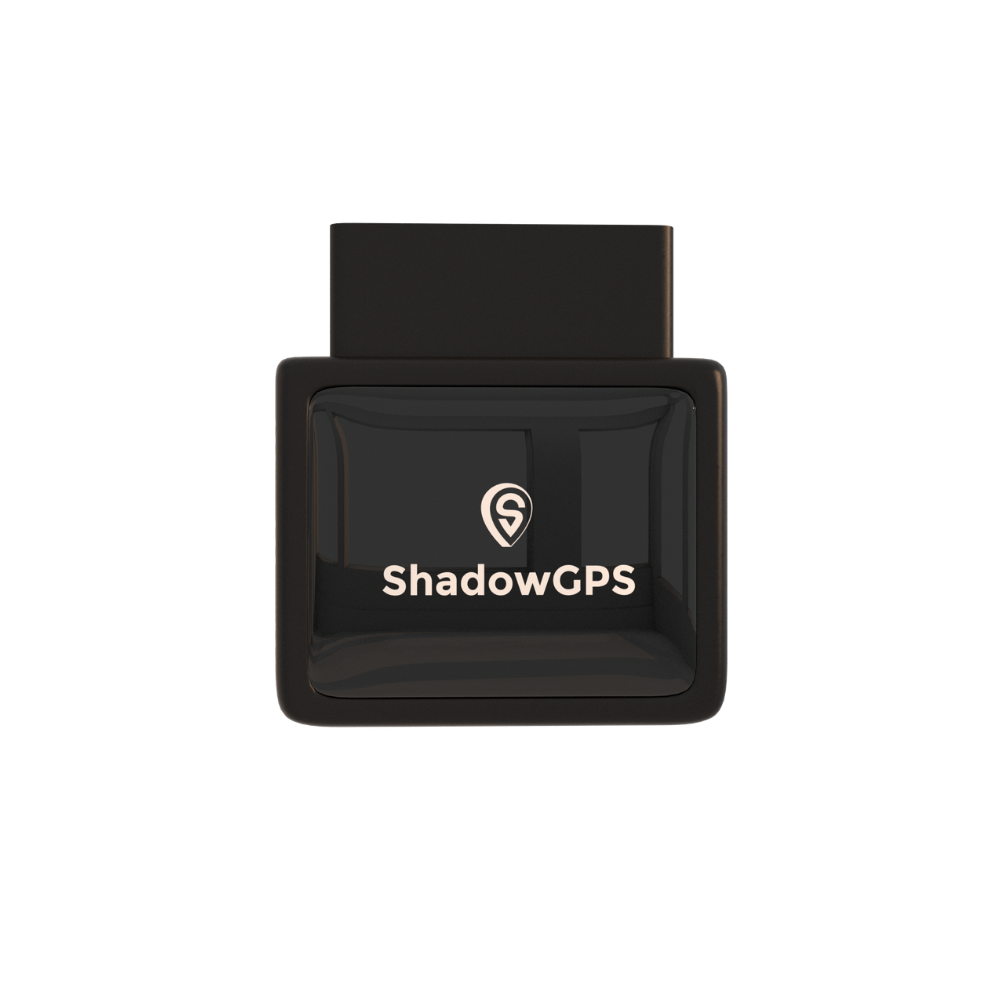
ShadowAuto
- Updates every 5 seconds while moving
- Geofencing, curfew alerts & trip replay
- Car Alarm & tamper alerts


For the one vehicle that matters most to you
Most people looking into this aren't running a fleet. They own one car or truck that matters, and they want a straight answer about who's using it and where it's going. A GPS tracker fits that job just as well as it fits a fleet, and often better, because the setup is simple enough to check once and forget about.
Teen drivers
Set a curfew and a driving radius once. You'll know within seconds if either gets crossed, without calling or texting to check.
A shared family car or truck
When more than one person has keys, trip history settles "who took it and when" without an argument.
Turo and rental hosts
Geofence the agreed area and get an alert if a guest drives outside it or keeps the car past the return time.
For more on setting this up specifically around a teen driver, see our guide to GPS trackers for teen drivers, or check our Turo page if you're renting your car out.
For a small fleet: work trucks and company vehicles
If you're running two to five vehicles instead of one, the same tools scale up directly. A dispatcher watching a live map notices immediately when a work truck shows up somewhere with no job scheduled. Curfew alerts flag a van leaving the lot after hours. Trip history turns "I think someone's taking side jobs in the company truck" into a documented pattern you can address with an actual conversation instead of a guess.
This works best when it's paired with a plainly stated vehicle-use policy, so drivers know upfront that trips are logged. For more on that side of things, read how GPS tracking protects a business from time theft and fraud, and see our page for business use.
Trailers, generators, and other equipment that don't have an OBD-II port need a different form factor. That's where a battery-powered, portable tracker comes in.
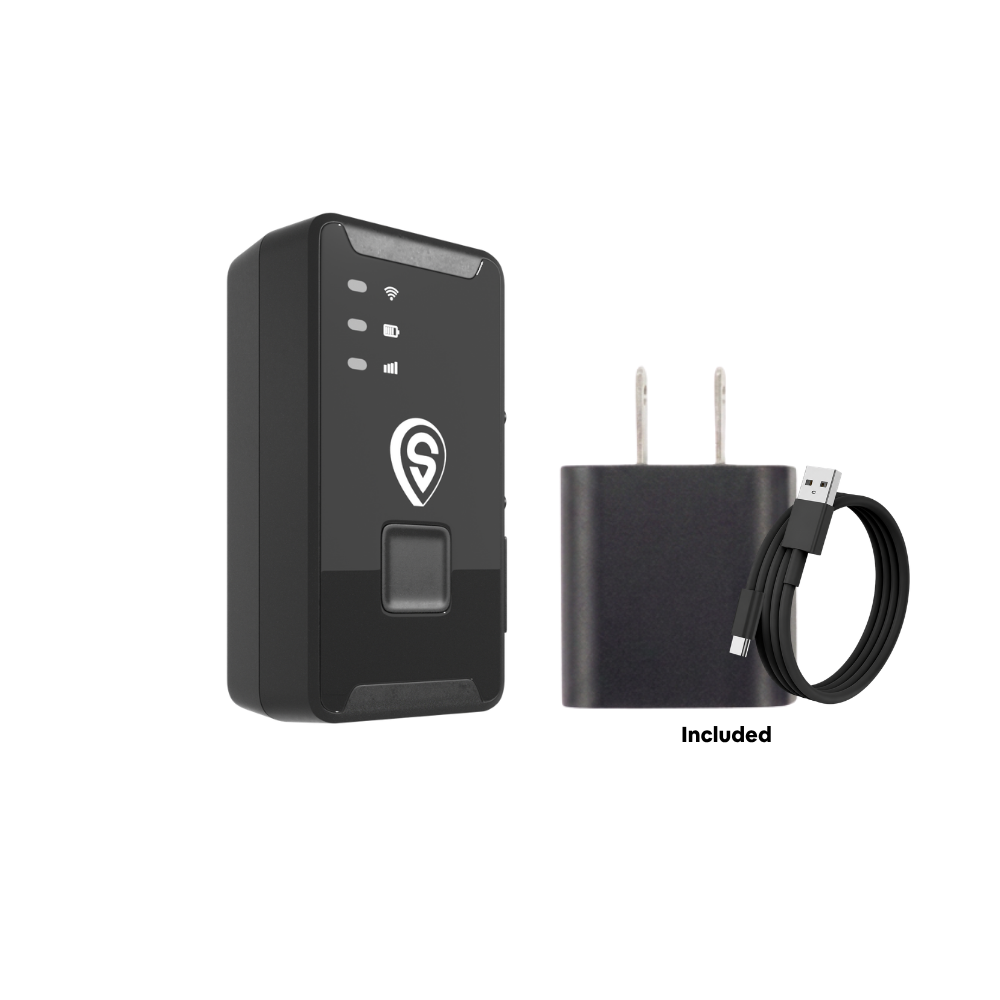
ShadowTrack
- Updates every 5 seconds while moving
- Weatherproof, magnetic mount, hides anywhere
- Up to ~15 days per charge
Setting up alerts for unauthorized use in under 5 minutes
Once the tracker is plugged in or mounted, the alerts that actually catch unauthorized use take a few minutes to set up:
- Plug it in or mount it. ShadowAuto plugs into the OBD-II port under the dash. ShadowTrack mounts with a magnet or tucks into a hidden spot. Either way, under two minutes.
- Set a geofence. Draw a boundary around home, work, or the agreed rental area in the app.
- Set a curfew. Pick the hours the vehicle should be parked, and turn on after-hours alerts.
- Turn on Car Alarm and tamper alerts. You'll be notified the moment the vehicle moves or the tracker is disconnected.
- Share access if it helps. Add a co-parent, partner, or business partner through Share Location so more than one person can check without needing your phone.
Is it legal to track a vehicle for unauthorized use?
You can legally track a vehicle you own, including one you let a teen, family member, or employee drive. If you're renting your car out on Turo, tracking is generally covered by the rental agreement the guest accepts. Tracking someone else's vehicle, or a vehicle you don't own, is a different situation and rules vary by state, so check your state's specific laws before doing that. If you're an employer, it's good practice to tell employees a company vehicle is tracked, even where consent isn't legally required.
How different methods stack up
Fuel receipts, dash cams, and simply asking the driver all catch unauthorized vehicle use eventually. A GPS tracker is the only one that catches it while it's still happening.

| Method | How fast you find out | Hard evidence? | Catches it in real time? |
|---|---|---|---|
| Fuel receipts & mileage | Days to weeks | Rough estimate only | No |
| Asking the driver | Whenever you ask | Just their word | No |
| Dash cam | After the trip, if reviewed | Video, if it recorded | No |
| GPS tracker (ShadowAuto / ShadowTrack) | Seconds, via alert | Timestamped route & trip history | Yes |
Frequently asked questions
Is there a monthly fee for a GPS tracker?
Yes, tracking runs on a monthly plan starting around $12 to $15 a month depending on features. There's no contract, ever. You can pay month-to-month or prepay a few months at once and save.
Does the tracker need a SIM card?
No separate SIM to buy or manage. The tracker connects on its own, and cellular connectivity is built into your monthly plan.
How fast will I know if my car or truck was used without permission?
With a geofence or curfew set, you get a push notification the moment the vehicle crosses the boundary or moves outside approved hours. The map itself updates every 5 seconds while the vehicle is moving, so there's no lag once you open the app.
Can a GPS tracker tell if someone tried to disconnect it?
Yes. Tamper alerts notify you if the tracker is unplugged or its power is cut, so an unauthorized trip is harder to hide.
Is installation difficult, or can I plug it in myself?
You plug it in yourself. ShadowAuto goes into the OBD-II port under the dash in under two minutes, no tools and no installer. ShadowTrack mounts with a magnet or hides in a compartment just as fast.
Should I choose ShadowAuto or ShadowTrack for this?
Pick ShadowAuto for a car or truck with an OBD-II port, since it runs on the vehicle's power and needs zero maintenance. Pick ShadowTrack for a trailer, piece of equipment, or any asset without an OBD-II port, since it runs on its own battery for up to about 15 days per charge.
This guide reflects pricing, specifications, and general legal guidance published as of September 2026. Subscription pricing is subject to change, and tracking laws vary by state, so confirm current details before relying on either.
Know where it is. Every 5 seconds.
Plug it in, see it move, cancel any time. No contract, ever.

