

Yes, you can put GPS trackers on company vehicles, and for most businesses you should. The part most guides skip is the hard part: writing the policy, handling take-home cars and personal miles, and telling your drivers in a way that keeps their trust.
GPS tracking for company vehicles shows you where every car, van, or truck your business owns is right now, where it has been, and when it moves when it shouldn't. That's the easy win. The bigger win comes from the records: trip history that backs up mileage logs, settles customer questions, and helps you sort business miles from personal ones at tax time.
This guide is for owners and office managers running a handful of company vehicles, from two service vans to a few take-home cars for sales reps. You'll get the tracker types, a policy checklist you can copy, the 2026 IRS numbers that matter for personal use, and a setup plan.
GPS tracking for company vehicles means putting a cellular GPS tracker in each car, van, or truck your business owns so you can see live location, trip history, and alerts in one app. Businesses can track vehicles they own. Do it with a written policy, signed notice from each driver, clear rules for take-home and personal use, and a no-contract plan you can scale up or down.
What is GPS tracking for company vehicles?
GPS tracking for company vehicles is a small tracker in each business-owned vehicle that reports its location over the cellular network to an app on your phone and the web. You see every vehicle on one map, review where each one went, and get alerts when something looks wrong.
For a small business, it does five jobs:
- Live location: every company car, van, and truck on one map.
- Trip history: a timestamped record of each drive and stop.
- Geofences: alerts when a vehicle leaves the yard or a work area.
- Theft and tamper alerts: a ping when a parked vehicle moves or a tracker is unplugged.
- Shared access: an office manager or partner sees the same map.
Three kinds of company vehicles, three different needs
Work trucks & vans
Service vans and crew trucks that stay at the shop overnight. The goal is knowing where each one is during the day and that it stays put at night.
Take-home cars
Cars assigned to sales reps, techs, or managers who drive them home. This is where personal use, commuting, and taxes come in.
Pool cars
Shared vehicles anyone can book. Trip history shows who had which car, and when, so damage and fuel questions get easy answers.
Most small businesses have a mix. The tracker can be the same in all three. The policy is what changes. If you run vans, our work van tracking guide goes deeper on that side.
Take-home company cars: personal use, commuting, and taxes
This is the part of company car tracking most owners don't think about until tax season. When an employee drives a company vehicle for personal trips, including commuting, the IRS treats that personal use as a taxable fringe benefit that generally shows up in the employee's wages. IRS Publication 15-B explains the valuation methods.
A few numbers worth knowing for 2026:
- Cents-per-mile rule: personal miles were valued at 72.5 cents per mile for the first half of 2026. The IRS raised the rate to 76 cents per mile starting July 1, 2026.
- Vehicle value cap: the cents-per-mile rule can't be used for a car, truck, or van worth more than $61,700 when first made available for personal use in 2026.
- Commuting rule: if personal use is limited to commuting under a written policy, each one-way commute is commonly valued at $1.50.
All of these depend on records. Without them, the business may have to treat more of the use as personal. That's where a trip timeline helps. It shows when each drive happened and where it went, which makes it much easier to back up a mileage log and separate the Tuesday sales calls from the Saturday errands.
This is general information, not tax advice. Talk to your accountant about which valuation method fits your business and what records they want.
Write a company vehicle GPS tracking policy first
A short, clear policy does more for driver trust than any feature. Write it before the trackers go in, and have every driver sign it. Here's what to cover:
- Which vehicles are tracked. List them by type or plate.
- When tracking is on. Trackers stay on at all times for theft protection. Say so plainly.
- What's recorded. Location and trip history only, with no audio or video.
- Personal use rules. Whether personal trips are allowed, and how they're logged for taxes.
- Who can see the data. For example, the owner and office manager only.
- What the data is used for. Theft recovery, scheduling, customer questions, mileage records, and safety.
- How long trip records are kept. Pick a period and stick to it.
- Signature and date. Keep a signed copy for each driver.
Track your vehicles, tell your drivers
There's no single federal rule for private employers tracking their own vehicles, but several states require written notice. New York requires notice and acknowledgment for electronic monitoring at work, New Jersey requires written notice before using tracking devices on vehicles employees use, Connecticut's expanded law took effect October 1, 2026, and Maine added a notice rule in 2026. Tracking a vehicle the business owns, with signed notice, is the cleanest setup. Never put a tracker on an employee's personal car without clear written consent.
This is general information, not legal advice. See our guide to GPS tracking laws for employee vehicles, and for the conversation itself, how to introduce tracking without resentment.
Sample policy line you can adapt: "All company vehicles have GPS trackers that record location and trip history at all times, for theft recovery, scheduling, customer service, and mileage records. Trip data is viewed only by [names/roles] and kept for [period]. Personal use of take-home vehicles must follow the personal-use section of this policy."
Which tracker fits which company vehicle?
| Tracker type | How it goes in | Power | Best for | Watch out for |
|---|---|---|---|---|
| OBD-II plug-in | Plugs into the port under the dash | Your vehicle, always on | Most company cars, vans, trucks | Port is reachable, so turn on tamper alerts |
| Battery / magnetic | Tucks away or magnet-mounts | Rechargeable battery | Trailers, equipment, older vehicles | Needs a charge every couple of weeks |
| Hardwired | Wired in by a technician | Your vehicle, always on | Large fleets | Upfront labor, hard to move |
| Car maker's connected app | Built into newer models | Your vehicle | Newer vehicles with an active plan | Varies by brand, hard to mix makes |
| Phone app on the driver | An app on a phone | The phone | Tracking staff, not vehicles | Tracks the person, stops when the phone is off |
For most small businesses, an OBD-II plug-in in every vehicle plus a battery tracker for trailers is the sweet spot. More detail in our OBD2 vs. battery-powered tracker guide.
Our picks for company vehicles
ShadowAuto (OBD-II plug-in)
ShadowAuto updates each vehicle's location every 5 seconds while it's moving, so the map shows where your team is now. It plugs into the OBD-II port in under two minutes, with no tools and no installer, and runs on your vehicle's power. Open the app and you know where every company car, van, and truck is. Not sure where the port is? Find your OBD2 port in 30 seconds.
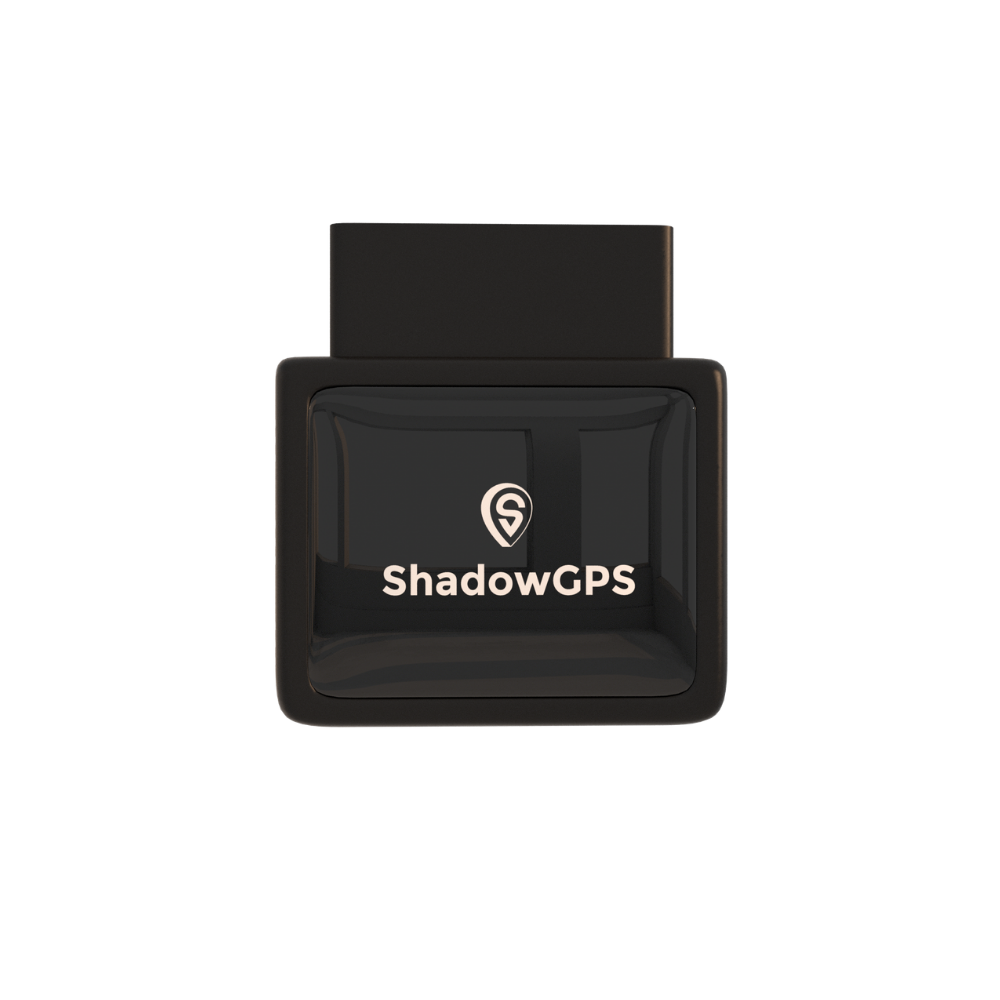
ShadowAuto
Plug-in · OBD-II · Company cars, vans & trucks
Plans $9 to $15/mo (1-3 trackers) or $8 to $13/mo (4+ trackers) · No contract, ever.
- Every vehicle on one live map, phone and web
- Trip timeline and replay for mileage and customer records
- Geofence, tamper, and Car Alarm alerts


What owners like
- Plugs in, nothing to charge
- Moves to a new vehicle in minutes
- Reads engine codes so you catch issues early
- Month-to-month, cancel any time
Keep in mind
- Needs a monthly fee for the cellular connection
- Not an ELD for DOT-regulated trucks
- Trailers need a battery tracker
For trailers, equipment, and older vehicles without an OBD-II port, ShadowTrack runs on its own battery and shows up on the same map.
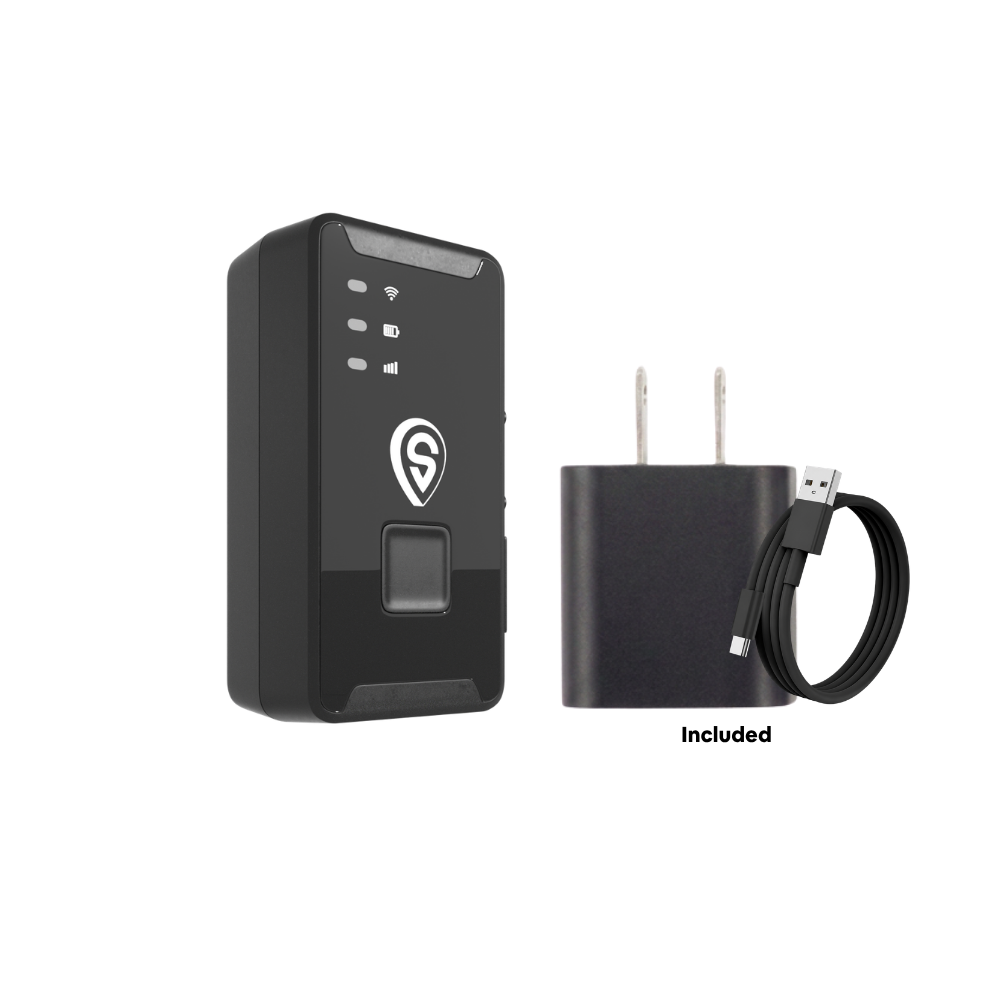
ShadowTrack
Battery · Magnet-mount · Trailers & equipment
Plans $9 to $15/mo (1-3 trackers) or $8 to $13/mo (4+ trackers) · No contract, ever.
- Up to about 15 days per charge
- No port needed, fits trailers and gear
- Same app and map as your ShadowAuto vehicles
Best for: ShadowAuto in every company car, van, and truck, and ShadowTrack on trailers and equipment. See how it works for teams on our business page.
Company vehicle trackers compared
| Option | Setup | Live refresh | Monthly fee | Contract | Best fit |
|---|---|---|---|---|---|
| Enterprise fleet platforms | Usually wired in | Varies | Quote-based | Often multi-year | Large, regulated fleets |
| Bouncie | OBD-II plug-in | 15 sec | $9.00 to $9.65 | None | Budget OBD-only |
| LandAirSea | OBD-II or battery | 3 min to 3 sec by tier | $9.95 to $49.95 | 2 years for best rate | Long-term buyers |
| BrickHouse | OBD-II or battery | Varies by plan | $17.99 to $34.99 | None | Feature-heavy tiers |
| ShadowTrack | Battery, magnet-mount | 5 sec | $9 to $15 | None, ever | Trailers, equipment |
| ShadowAuto | OBD-II plug-in | 5 sec | $9 to $15 | None, ever | Company cars, vans, trucks |
Competitor pricing and refresh rates are from each brand's published plans and can change. ShadowGPS rates shown for 1 to 3 trackers; 4+ trackers run $8 to $13/mo. Refresh times are while moving.
How to set up GPS tracking on company vehicles
- Write and sign the policy. Every driver signs before a tracker goes in.
- Plug in one vehicle first. Confirm it shows on the map and take a short test drive.
- Name each vehicle in the app by plate, driver, or job so trip history stays clear.
- Set geofences around your yard, shop, or service area.
- Turn on tamper and Car Alarm alerts for nights and weekends.
- Roll out to every vehicle and add battery trackers to trailers.
- Give shared access to the office manager named in your policy.
- Review trip history monthly for mileage records, idle time, and maintenance.
Worried about after-hours joyrides? Our guide to stopping unauthorized vehicle use covers alert setups that work.
What does company vehicle tracking cost?
ShadowAuto and ShadowTrack are $69.90 each. A monthly fee covers the cellular connection: $15 month to month for 1 to 3 trackers, down to $9 a month on a two-year prepay, and $8 to $13 a month once you have 4 or more. No contract, ever. Month-to-month, or prepay and save. Details are on the pricing page, and our small fleet cost breakdown walks through the math.
What you get for it: one map for every company vehicle, a record that backs up mileage and customer questions, and a quick answer when a vehicle isn't where it should be. ShadowGPS runs on multi-carrier LTE-M with 99.9% network uptime and a 30-day money-back guarantee.
Key takeaways
- Businesses can put GPS trackers on vehicles they own. Pair it with a written policy and signed notice.
- Personal use of a take-home company car is a taxable fringe benefit, and trip records make it easier to separate business and personal miles.
- The IRS cents-per-mile rate rose from 72.5 to 76 cents on July 1, 2026.
- Several states, including New York, Connecticut, New Jersey, and Maine, have written-notice rules.
- For small businesses, an OBD-II plug-in per vehicle and a battery tracker for trailers covers most needs.
FAQs about GPS tracking for company vehicles
Can you put trackers on company vehicles?
Yes. A business can track vehicles it owns or leases. Give each driver written notice, have them sign it, and follow your state's rules. Don't put a tracker on an employee's personal car without clear written consent.
Do I have to tell employees their company car is tracked?
In several states, yes, including New York, Connecticut, New Jersey, and Maine. Everywhere else it's still the right move. A signed policy protects the business and keeps your team's trust.
Can I track a take-home company car after work hours?
The tracker stays on at all times so you can recover it if it's stolen. State that in your policy, and say what after-hours data is used for, such as theft recovery and mileage records. Check your state's rules and get signed notice.
Can GPS trip history replace a mileage log?
It can back one up. Trip history shows when and where each drive happened, which makes it easier to mark trips as business or personal. Ask your accountant what records they need for IRS personal-use reporting.
Is there a monthly fee for company vehicle tracking?
Yes, real-time trackers need a monthly fee for the cellular connection. ShadowGPS plans run $9 to $15 a month for 1 to 3 trackers and $8 to $13 for 4 or more. No contract, ever. Month-to-month, or prepay and save.
Does a company vehicle tracker need a SIM card?
You don't need to buy or insert one. ShadowAuto and ShadowTrack connect over LTE-M on major U.S. carriers, and the monthly fee covers that connection.
What if a driver unplugs the tracker?
You get a tamper alert along with the last known location. Make unplugging a tracker a policy violation, and pair it with a conversation, not a surprise.
Do company vehicle trackers need a technician to set up?
Not plug-in trackers. ShadowAuto plugs into the OBD-II port in about two minutes with no tools. Hardwired systems used by large fleets usually need a technician.
Plug it in. See it move. Cancel any time.
Put every company car, van, and truck on one map this week, with no technician and no contract to sign.
Pricing, IRS rates, and state rules checked November 2026 and may change. Competitor details come from each brand's published plans. ShadowGPS may earn a commission on qualifying Amazon and Best Buy purchases. This article is general information, not legal or tax advice; check with your attorney or accountant before setting your company vehicle policy.

